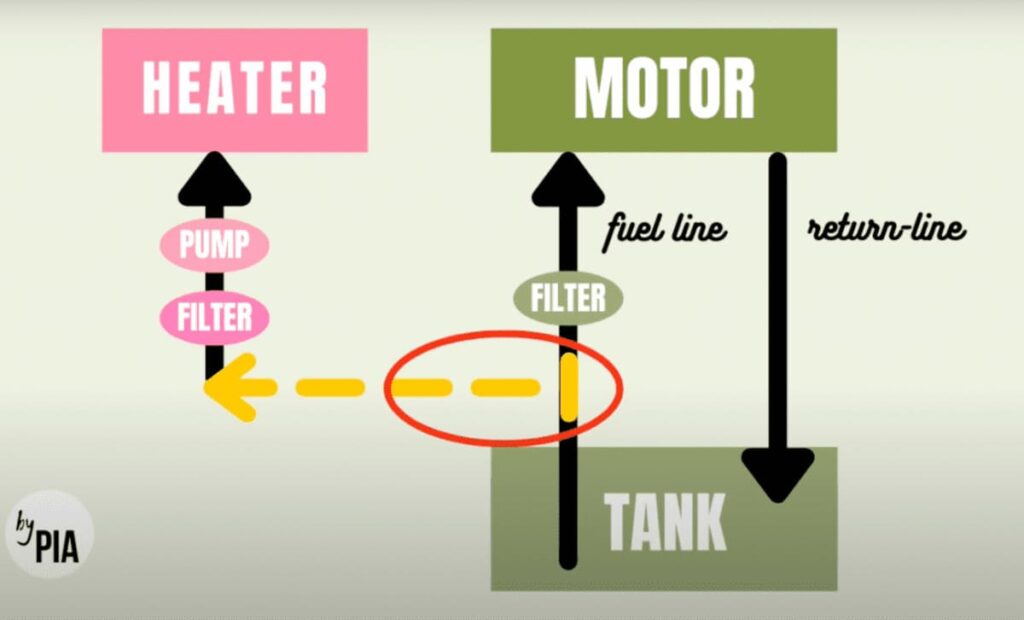
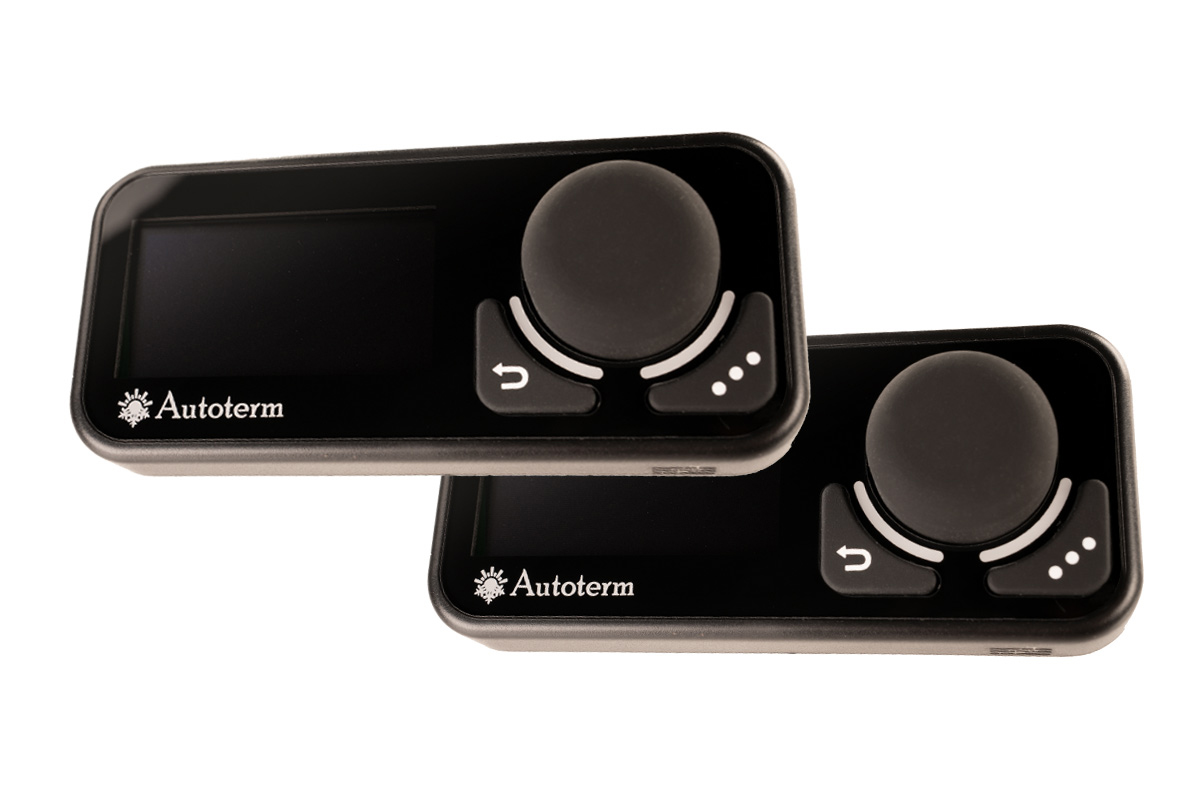
Are you thinking about installing a second control panel for the Autoterm or Planar auxiliary heater in your camper? Lately we keep getting questions about this, and forums and blogs hand out all kinds of tips.
What is behind the DIY hacks with Y-cables, where that leaves your warranty claims and what options you really have – here is the official information.
Second Control Panel – Why, Actually
Yes, it can really be handy to control the heater in your camper or motorhome from two places. Not having to get up to adjust the temperature when you’re in bed – that makes van life even cozier. Or, when it’s raining, not having to climb out of the micro camper and walk around the vehicle just to get the heater going at the back?
There are ways to make such wishes happen – some that work without problems and some that we would strongly advise against.
Y-Cable for Two Control Panels on One Auxiliary Heater
A so-called Y-connector for connecting two control panels to an Autoterm or Planar auxiliary heater is in high demand right now. It is meant to create a simple branch and, plug & play, let even different control panels communicate with the heater at the same time. For example, two PU-27, or a PU-27 with a PU-5, are linked together via the Y-cable.
The aim is for the heater to always respond to the control panel that was actively used last, while the digital displays are supposed to show, after a few seconds, the current setting that was selected on the other control panel.
For the heater, this feels roughly like this: imagine holding a funnel to your ear while two people shout into it at the same time. If not right away, something like that can drive you mad sooner or later – but at the very least you understand NEITHER of the two people in any sensible way.
Y-Cable – Damage and Loss of Warranty
Even if there is a way to operate the heater from two places: the manufacturer never designed the device to be run with a so-called Y-cable and two control panels, and on top of that it is a technically very ugly solution. Neither the communication protocol used, nor the interface used, nor the software in the control panels or heaters was developed for it.
Even if such “hacks” have a good reputation – they are by no means always strokes of genius. How long your heater will keep working with it, nobody can say.
For this reason the case is clear: as soon as you connect the Y-cable and two control panels to the auxiliary heater, the warranty claim against Autoterm expires IMMEDIATELY – as is usual(!) with unauthorized manipulation of technical devices. As a distributor, we are also bound by this policy.
Does Autoterm Simply Want to Suppress Trade in the Cable?
Does the heater manufacturer just not want anyone else to make money with the Y-cable? Maybe one should also ask: why doesn’t Autoterm simply make that money itself? Putting a Y-cable on the market would be easy for the company. It already produces all the components itself, so why not this simple cable as well? And they could potentially sell twice as many control panels?
Simple: the bigger challenge than providing the cable is changing the software in the heater and control panels so that the three-part setup works reliably together in the long run. Because of the great effort for a relatively unimportant problem, this software change has simply not been carried out to this day – and no Y-cable changes that.
We at tigerexped have pointed out your customer wish for the option of connecting a second control panel to the manufacturer several times and are in constant contact with Autoterm about the further development of the heaters. Unfortunately, the outcome was that it cannot sensibly be implemented in software alone (see above), so at this point we have no information at all on when a fundamental further development is planned.
UPDATE! January 2025 – The Autoterm Push Control Is Here!
Finally possible: the new control panel Push Control is a compact, easy-to-use switch. It can be used either as the sole control element for the heater, or combined for dual control with the control panel Autoterm Comfort Control. That way your auxiliary heater can be operated conveniently from different areas of the vehicle, giving you the highest level of comfort.
You can find out more about the operating modes of the Autoterm Push Control in our shop:

Using the Heater’s Emergency Switch Input for Remote Control
As we promised at the beginning of the text, there is a solution to the problem, even if it is not quite as elegant as running two control panels with full functionality. It lies in using the emergency switch input on the heater’s wiring harness.
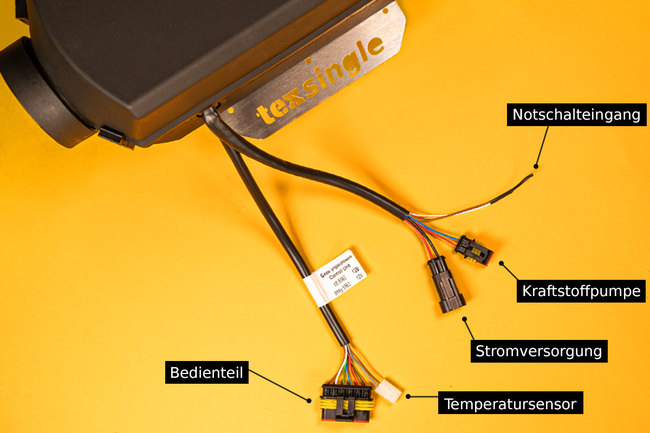
Cables of the Autoterm / Planar Diesel Auxiliary Heater
The emergency switch input lets you switch the heater on and off in full compliance with the rules, and many heater owners use this option for a remote control.
This function comes from the original use of auxiliary heaters, which were first used not for “van life” but as pre-heaters and booster heaters (and still are). With remote control, for example from an alarm system, the heater can be switched on this way and the vehicle, for instance, de-iced before setting off. With water heaters and in severe cold, the cooling circuit can also be pre-heated before starting, to protect the engine.
Connecting a Remote Control
To use the heater’s emergency switch input for a remote control or an additional switch, you only need to connect two wires using the switch or a relay.
The heater then starts and runs until you disconnect again or 120 minutes have passed.

Good to Know
When the heater is started via the emergency switch input, it always runs at full load – anything else would not have made sense for the original purpose (de-icing) either. Depending on the software version, especially older auxiliary heaters can shut down and switch off on their own after the remote switch is operated and two hours of full-load operation. This also seems extremely sensible for the actual use. Unfortunately we don’t have a list from the manufacturer of the exact serial numbers from which this software setting changed.
Two Control Panels for the Auxiliary Heater – Conclusion
You shouldn’t just copy every bit of nonsense you find on the internet as a technical tip, DIY guide or “life hack”. Installing a Y-cable and a second control panel such as PU-5, PU-27 or even a Comfort Control means, in the worst case, that you can buy a new heater. If that happened to you within the warranty period, reading out the cause of the fault at the manufacturer forfeits any claim.
Instead, use the emergency switch input on the wiring harness. At one of the two places you can then only switch on and off and not regulate, but it works reliably without harming the heater, and you can even use the on/off switch as a flexible remote control that doesn’t have to be permanently installed.
Is this helpful info for you? Then feel free to share it with like-minded people in your groups or privately:
These topics might also interest you: