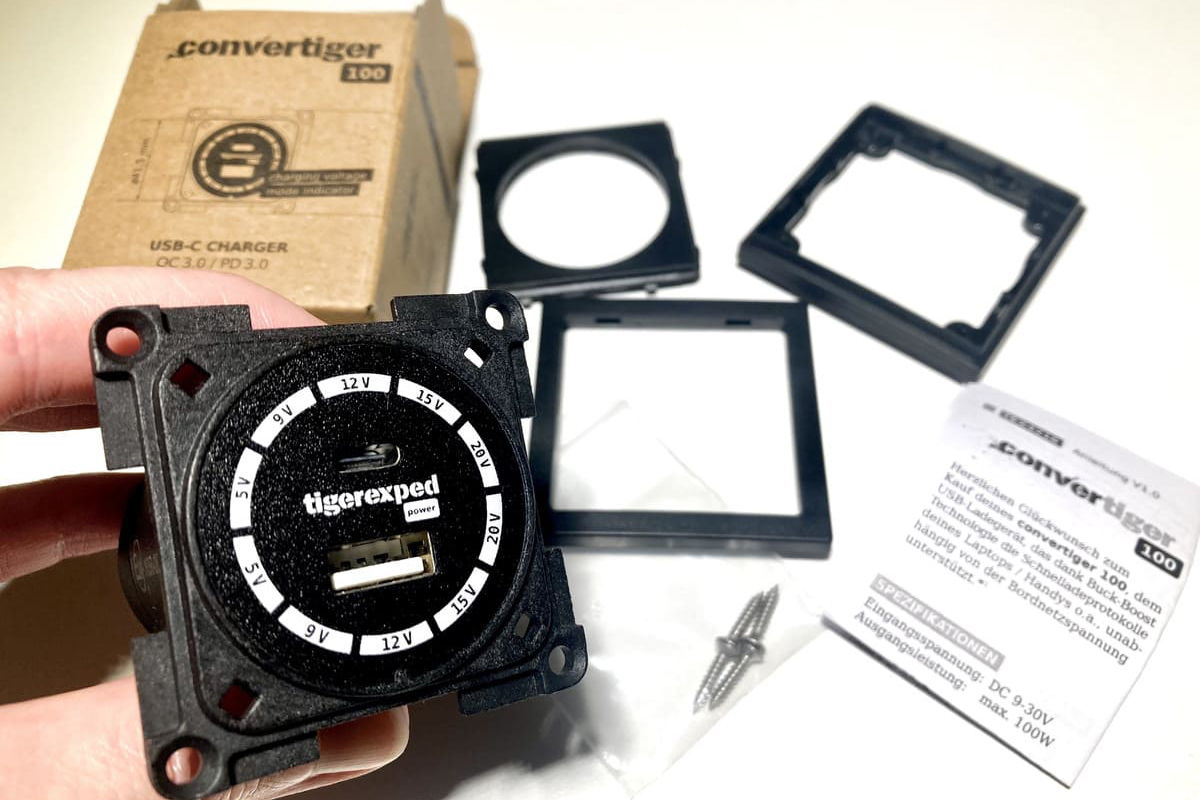
Here we guide you step by step through installing a 12 V USB socket, using the convertiger 100 charging socket and the Inprojal mounting system as an example.
Installation with the Berker mounting system works basically the same way, except that the device and spacer frame are one piece and you do not need a central plate, which makes it simple and self-explanatory.
Both the Berker and the Inprojal system are used by many large motorhome brands. For visually seamless retrofitting of sockets and switches, you will find both systems in our switch and socket configurators.
Note: If you want to replace the convertiger charger with the second generation after the initial installation has already been done, see also How to Replace the convertiger 100 in Your Camper.
Installing a USB Socket – Planning and Preparation
Even if you are not very familiar with electrics, installing a USB socket is a very doable project. If you keep a few simple things in mind from the start, you will get the job done quickly and without frustration:
Check the Technical Data
Most charging sockets for use in vehicles are designed for connection to a 12 volt system. Still, check the technical data of the USB socket you are using once more to make sure it suits the system in your travel vehicle, as it could also be a device for 24 volts. With the convertiger 100 you have no restrictions here, as you can use it in both systems without any problem.
Choose the Mounting Location
The mounting location should of course be chosen so that you can conveniently reach it to charge your devices – ideally, it should also be possible to connect it to a small distribution box by a practical route.
There must also be enough mounting depth for the socket. In addition, you need to plan a bit of space for the connections if the socket has plug-in terminals that point to the rear. The cable lugs that go on the end of the cable have to be pushed on. There must also be room for the bend of the cable, so that it does not kink or have to be bent excessively.
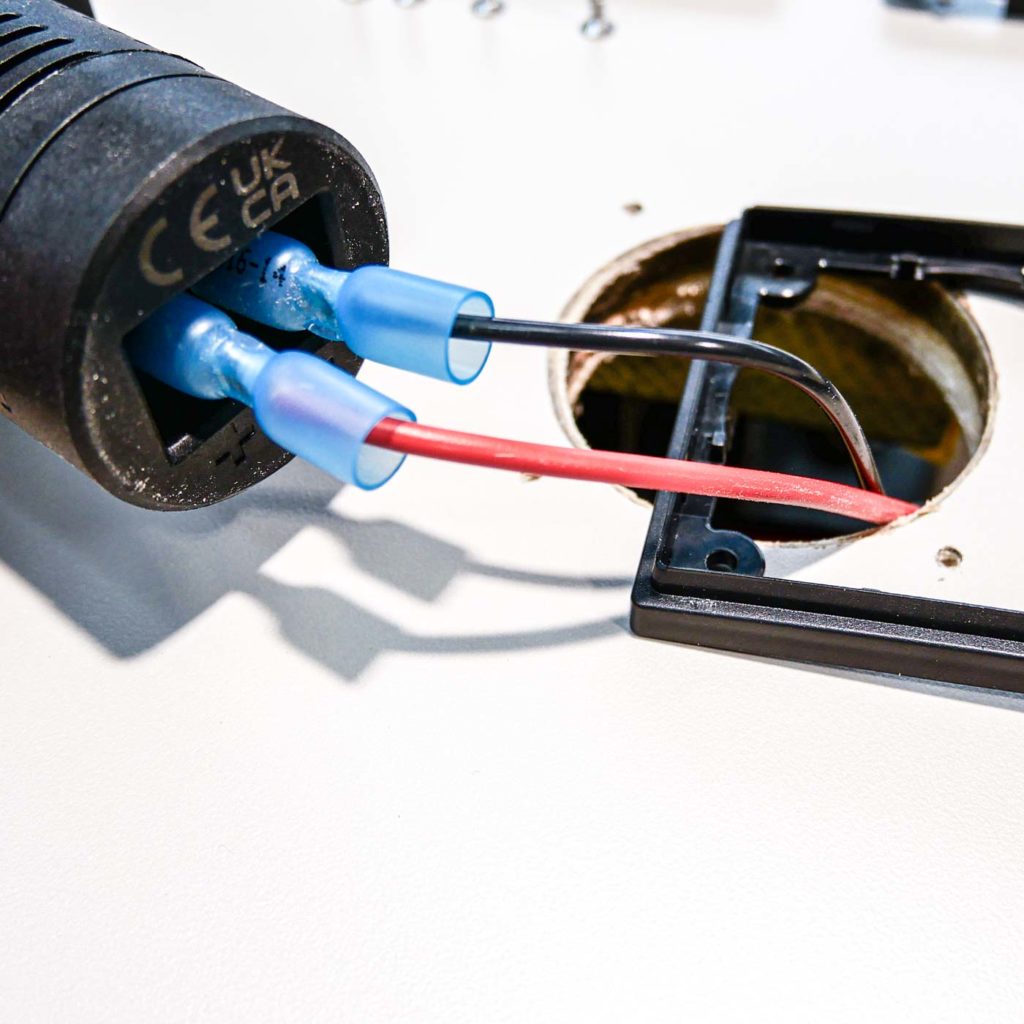
The second generation of the convertiger charging socket is equipped with clamping lever terminals pointing downward, so this additional space requirement is eliminated entirely.
The mounting location should also have good ventilation if possible. This helps to carry heat away and prevents performance losses.
Get the Required Materials Ready
To install a USB socket (using the convertiger with an Inprojal mounting frame as an example), you need the following tools and materials:
- small Phillips screwdriver
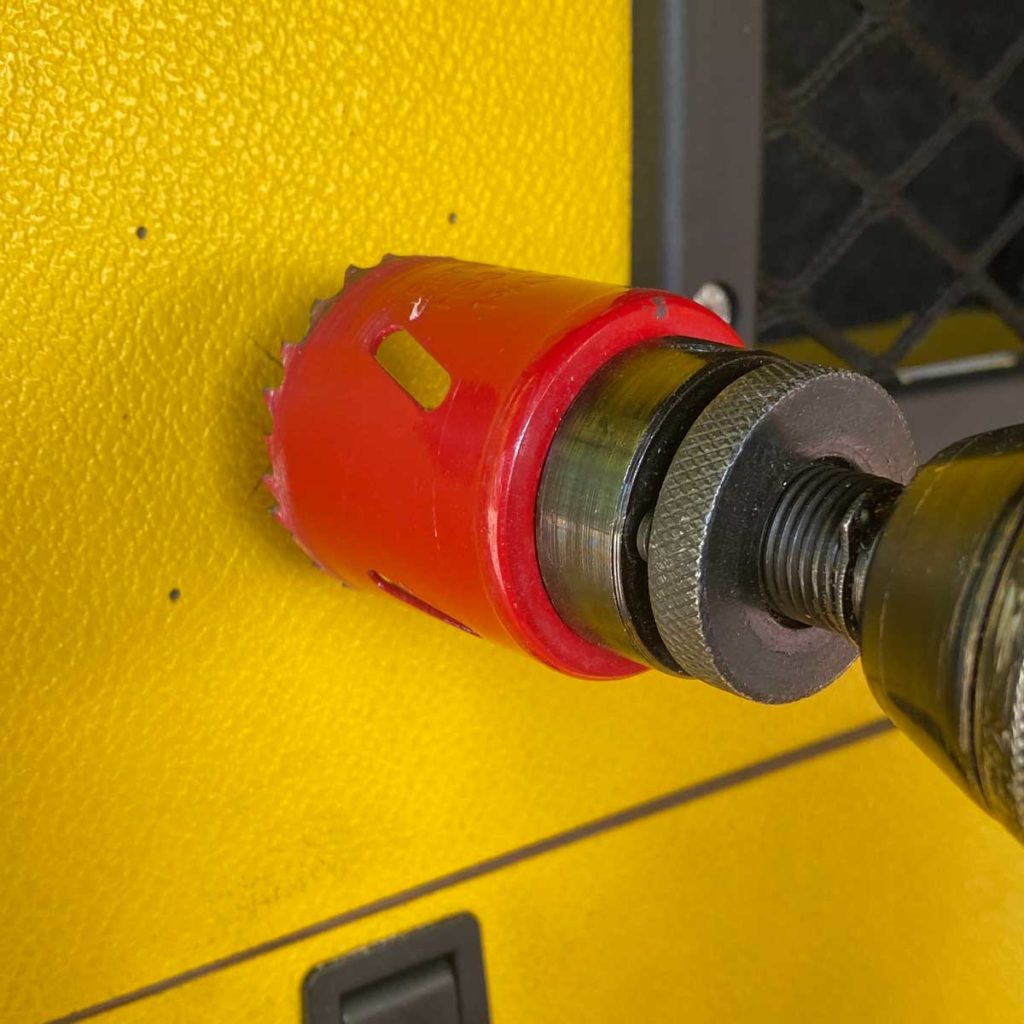
- 54 mm hole saw (for Berker, a smaller one of 50 mm also works)
- wire stripper (or sharp blade)
- pencil or marker
- drill or cordless screwdriver with a 1.5 mm (2 mm at most) drill bit
- red and black cable of sufficient length for the connection between socket and small distribution box (for cable sizing* see the following table)
Additionally, if your socket has plug-in terminals (note that the cable also has to be connected on the other side – your socket may have clamping lever terminals, but your small distribution box may not):
- 2x push-on cable lug for the connections on the socket (size depending on the required cable cross-section)
- 2x ring or push-on cable lugs again (depending on the design of your small distribution box / fuse holder)
- crimping pliers
- heat shrink tubing
*The following cable sizing specifications apply to installing the convertiger: (cable length counted with outward AND return path to the small distribution box)
| Cable length | 12V | 24V |
| 4m | 2.5mm² | 1.5mm² |
| 7m | 4mm² | 2.5mm² |
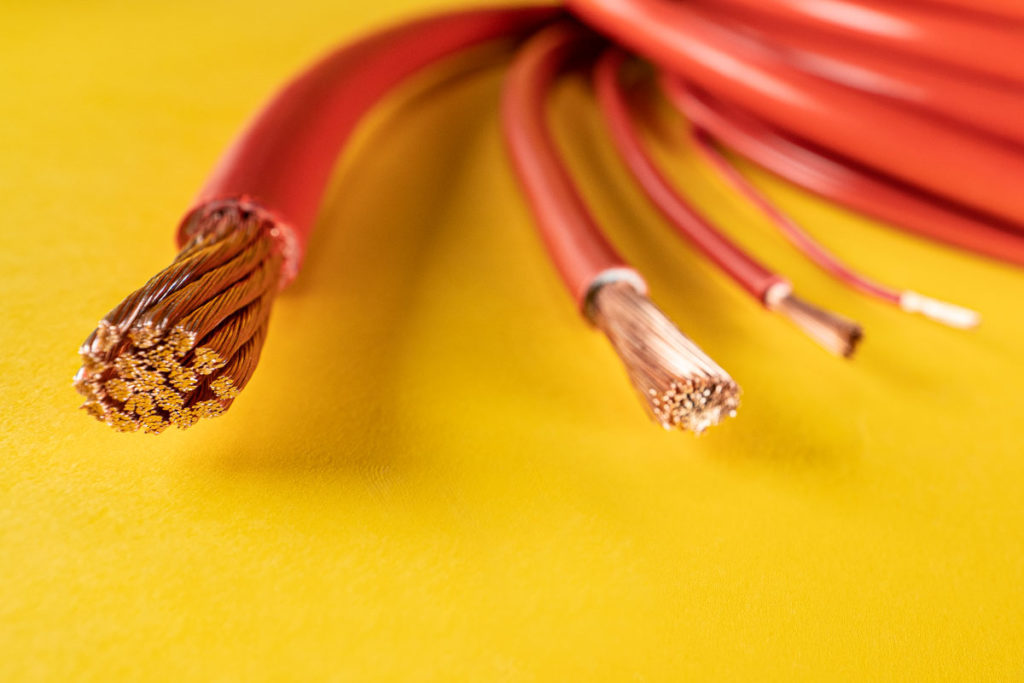
Want to know how to calculate the cable cross-section yourself for installing other electrical components? That is quite easy too, and we explain it in detail here:
Update, October 2026:
To make your work easier or to check your calculated results, you can now use the tigerexped cable and fuse calculator. It is designed specifically for use in campers and directly takes pitfalls such as the installation method into account.
Marking the Hole Circle
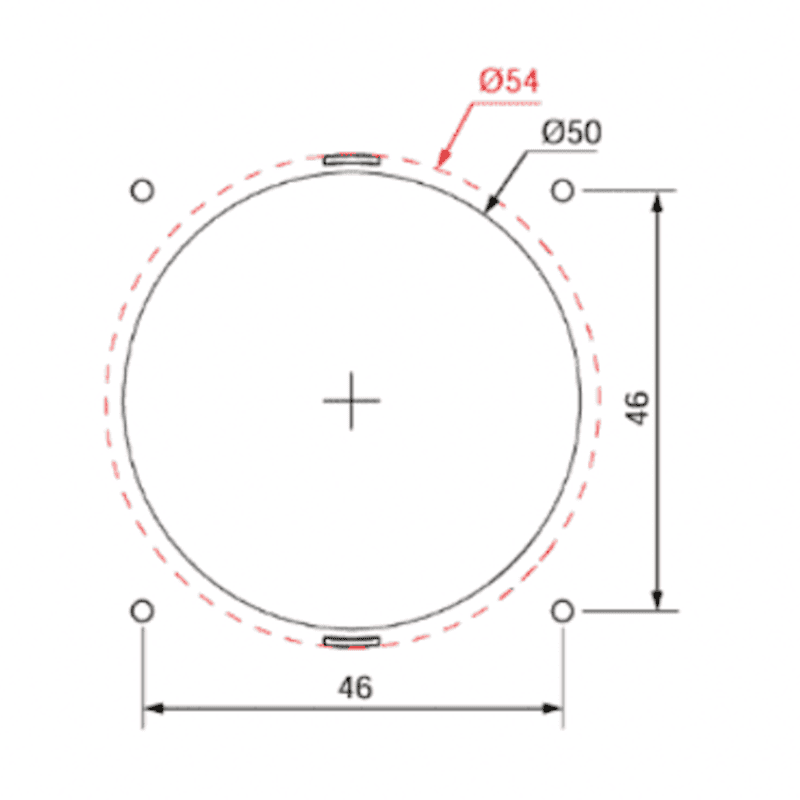
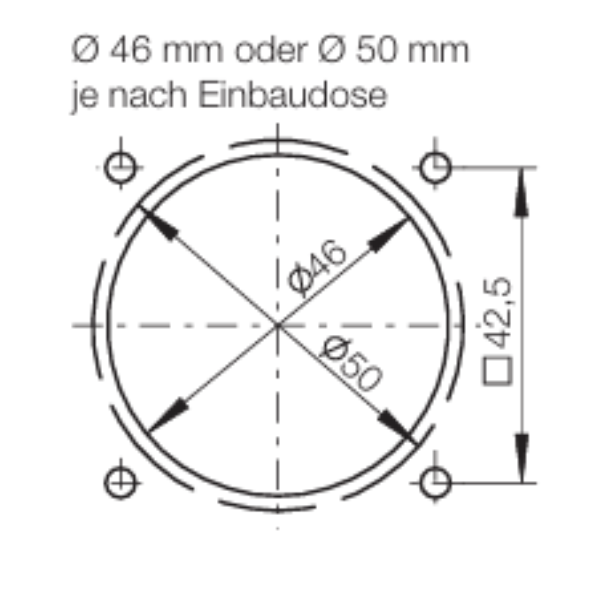
Right: Berker mounting dimensions – since no spacer frame with locking lugs has to engage in the hole circle here, a hole from 50 mm is also sufficient, so that the socket can be inserted and is adequately ventilated. Otherwise you only need the four screw points.
You can download a drilling template for single, double and triple Inprojal mounting frames here. The manufacturers’ official dimensions are as follows:
Here’s how to proceed:
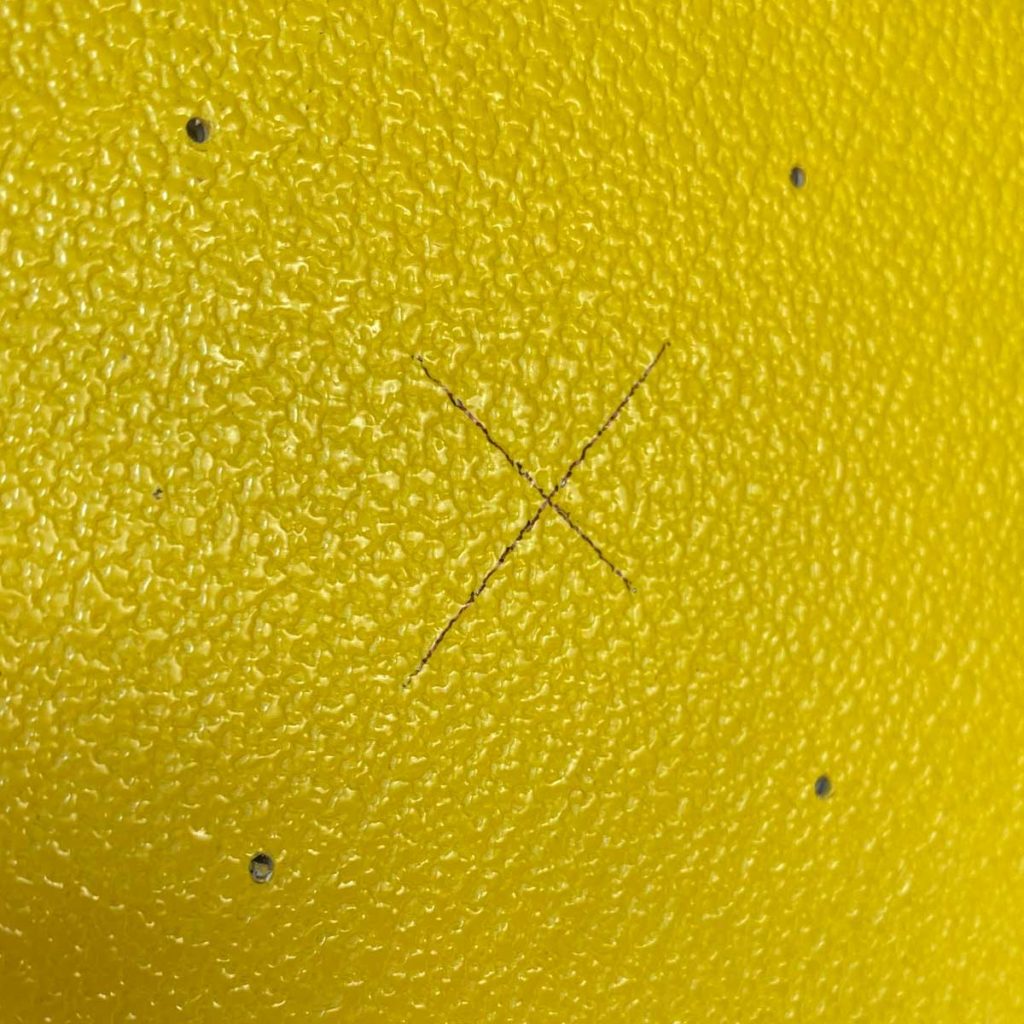
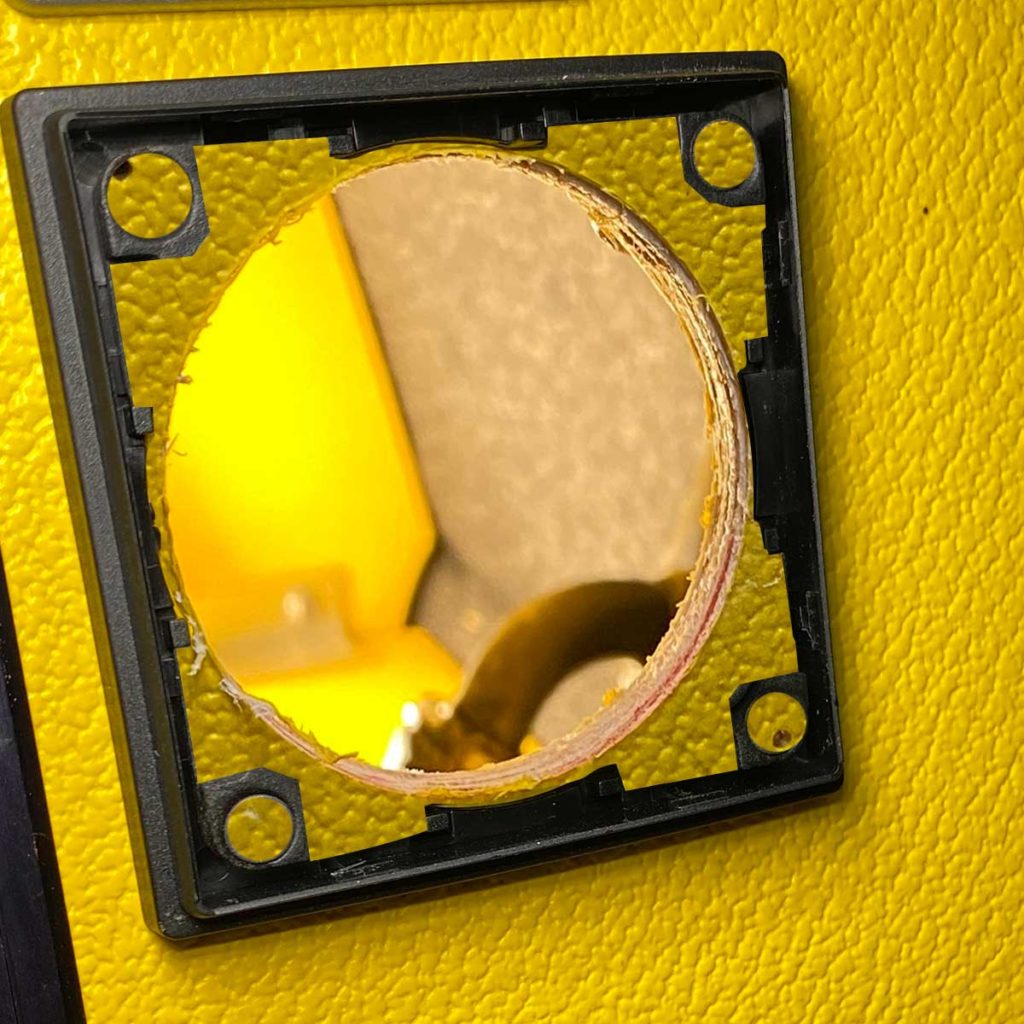
Place the spacer frame on which the socket will be mounted at the desired location and mark the four corner points.
Drill these with a drill bit no thicker than 2 mm as pilot holes to prevent the material from cracking when screwing it down. Do not use a larger bit, otherwise the screws will no longer hold properly.
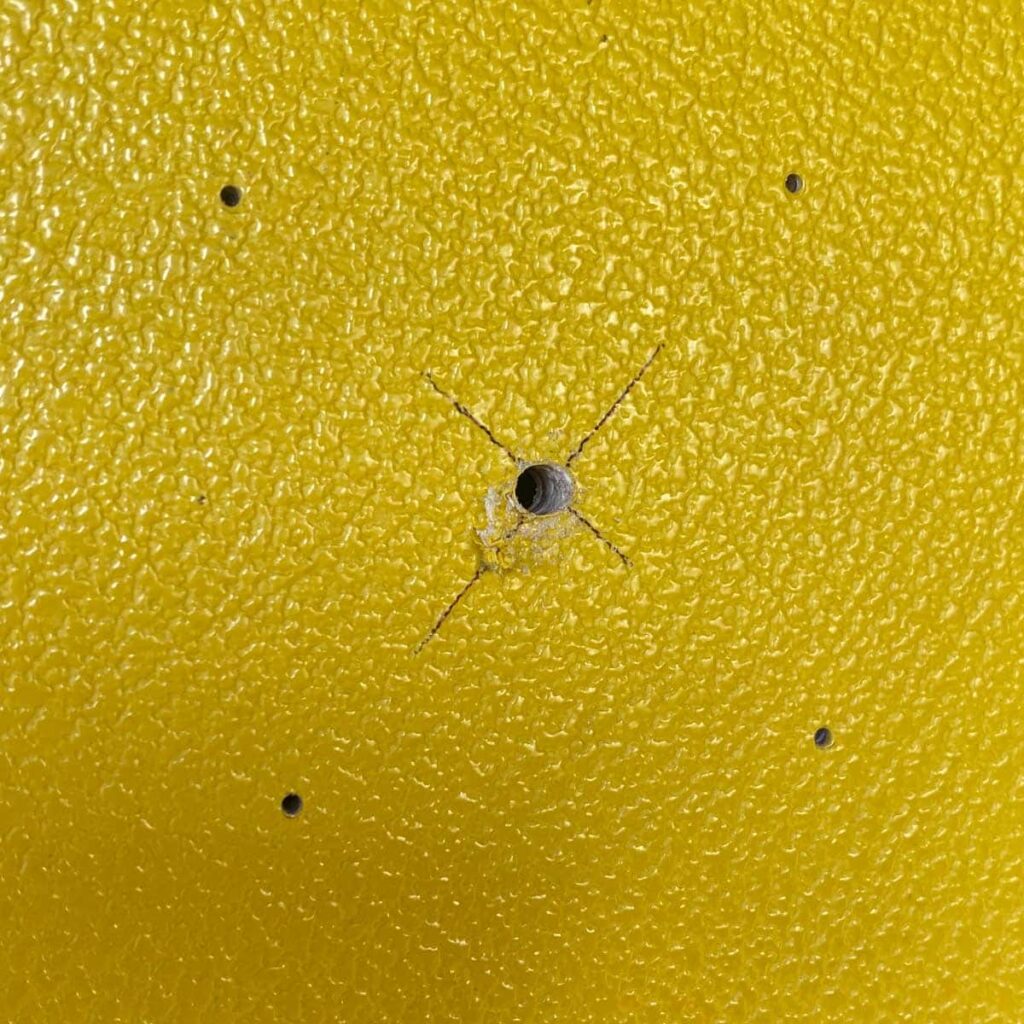
Connect each pair of diagonally opposite points with a straight line to find the center point for the hole circle to be cut out.
To make the hole saw easier to handle and to position more precisely, it is best to pre-drill the center hole as well.
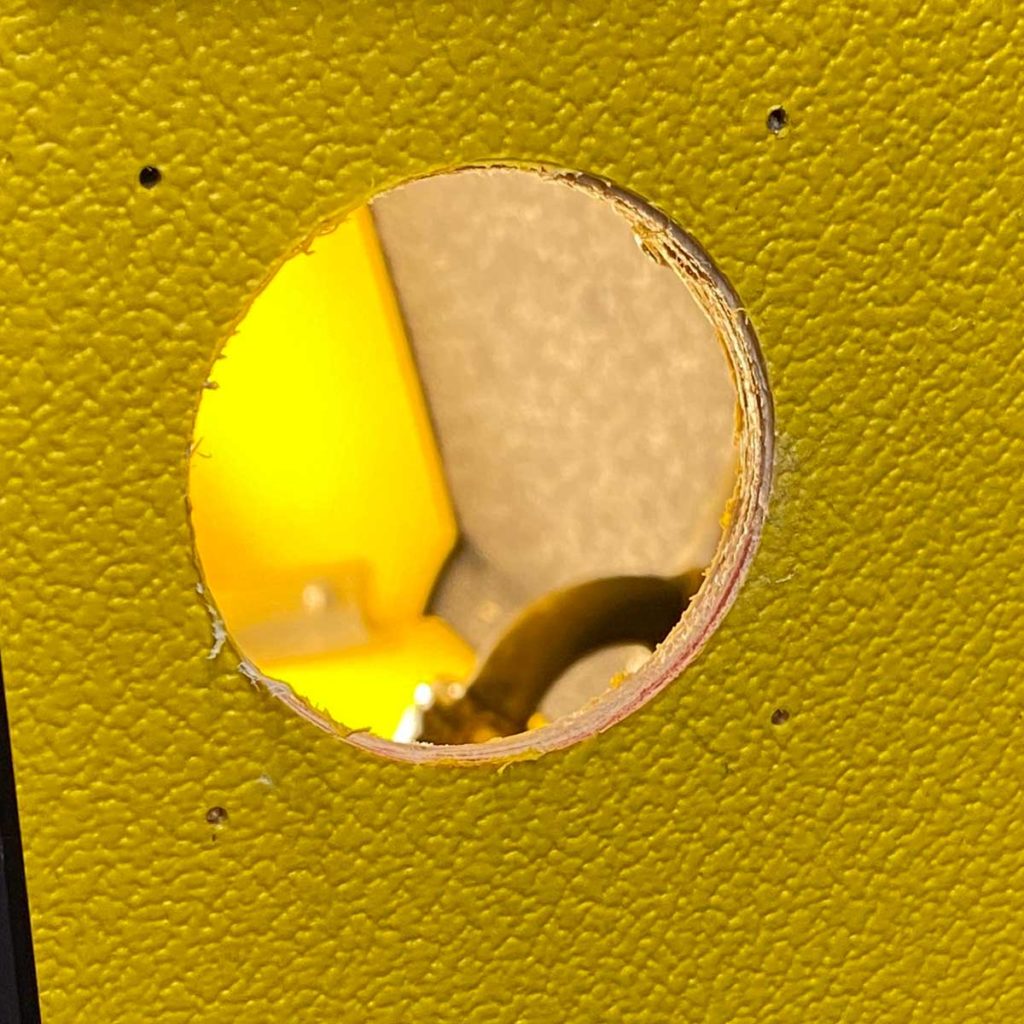
Now use the hole saw to cut out the hole circle cleanly.

Mounting the Socket
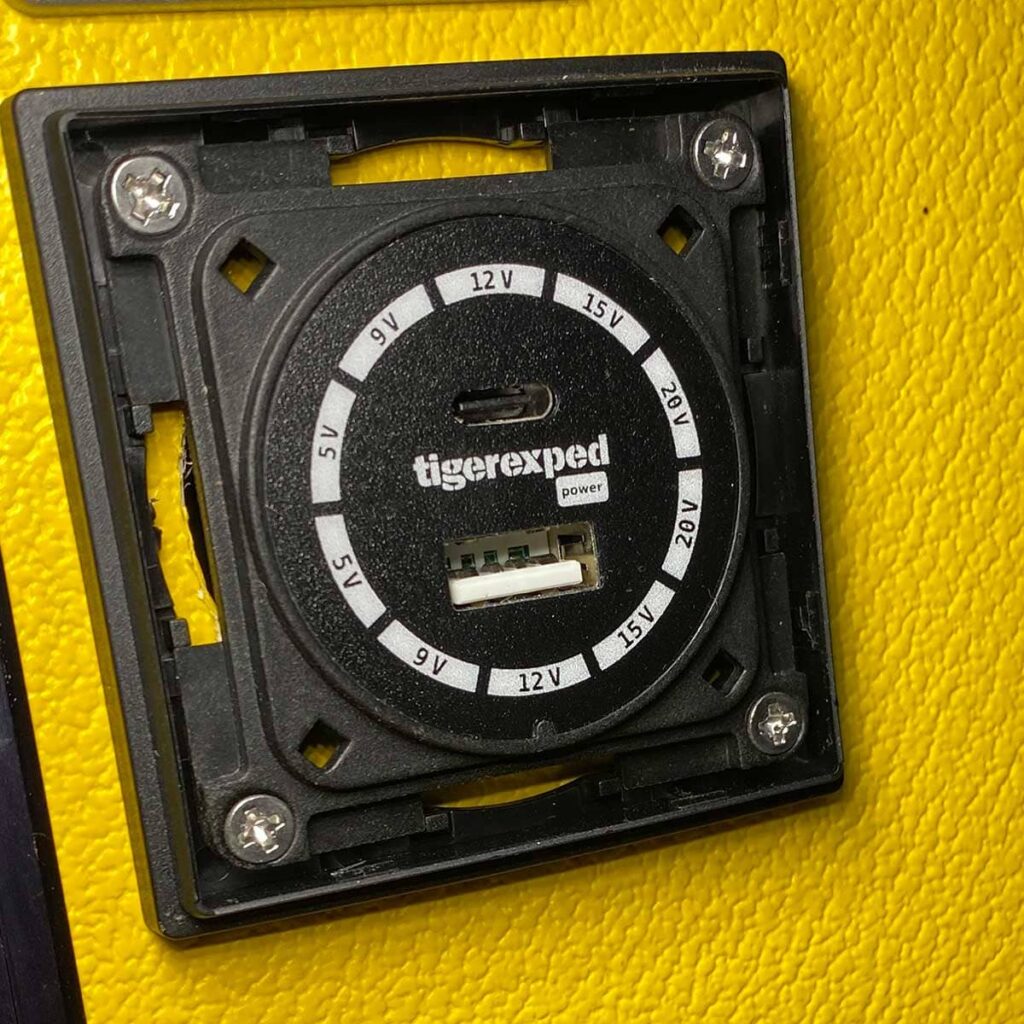
Insert the convertiger into the spacer frame and screw both together at all four corners with the supplied screws – and remember: tight is good, too tight breaks. So work with a feeling for it to avoid damage from overtightening.
Wiring the Socket
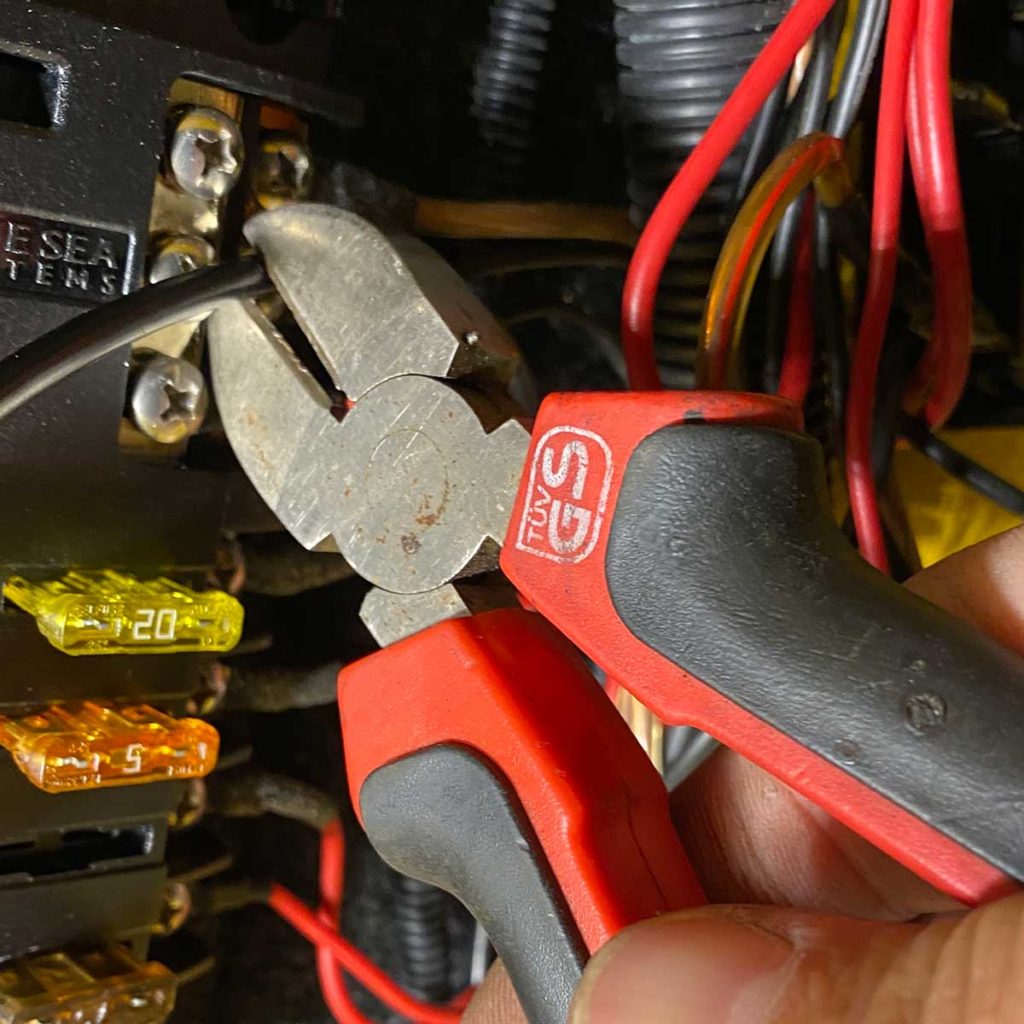
Cut a plus and a minus cable to the required length. Make sure the cable route is safe – that means not unsecured over chafing edges, not under tension, etc.
You can read about the most common wiring mistakes and how to reliably avoid them here: Common Wiring Problems in Camper Electrics – and How to Avoid Them
Cable Lugs or Clamping Levers
How you proceed depends on whether your charging socket has plug-in terminals or clamping levers for making the cable connection.
If the device you are connecting has the practical clamping levers, the procedure for fitting cable lugs may still be of interest to you, in case the small distribution box on the other end of the cable has plug-in terminals.
The convertiger USB socket shown here had plug-in terminals in its first generation. It has since been switched to clamping levers, as the new clamp terminals offer several advantages, such as:
- faster installation
- tool-free connection
- secure, vibration-proof connection
- lower contact resistance
a) How It Works with Sockets with Plug-In Terminals
Use a wire stripper or sharp blade to expose the ends.
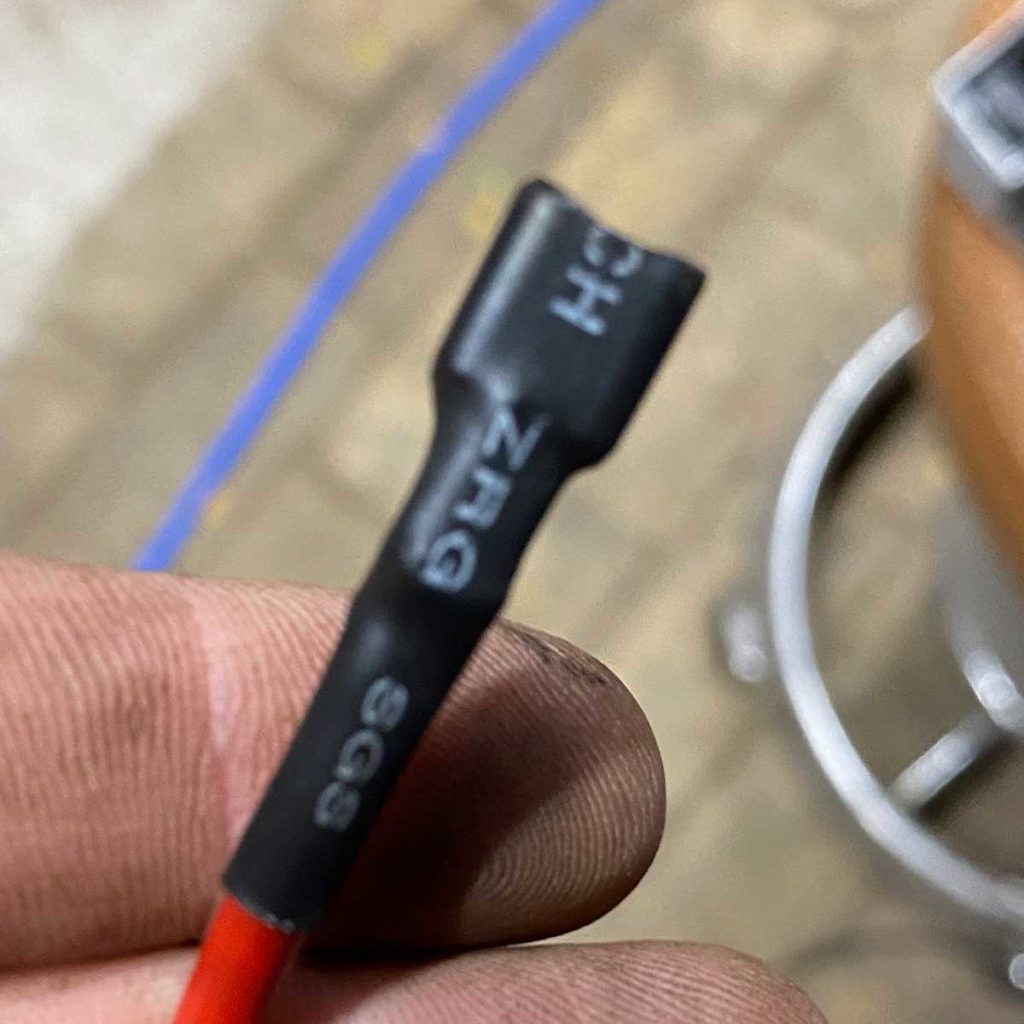
Slide a piece of heat shrink tubing over the cable, long enough to seal the transition between cable lug and insulated cable (including a good overlap) securely and permanently.
When choosing the heat shrink tubing, of course also make sure that the diameter is not too large. The material can only shrink to a limited extent, but it has to contract far enough to fit snugly around cable and cable lug.
Now attach the push-on cable lugs to the exposed cable strands using the crimping pliers, making sure that a clean, firmly seated contact surface is created between the two parts. All strands should be captured, and the cable lug must not simply come off again by hand.
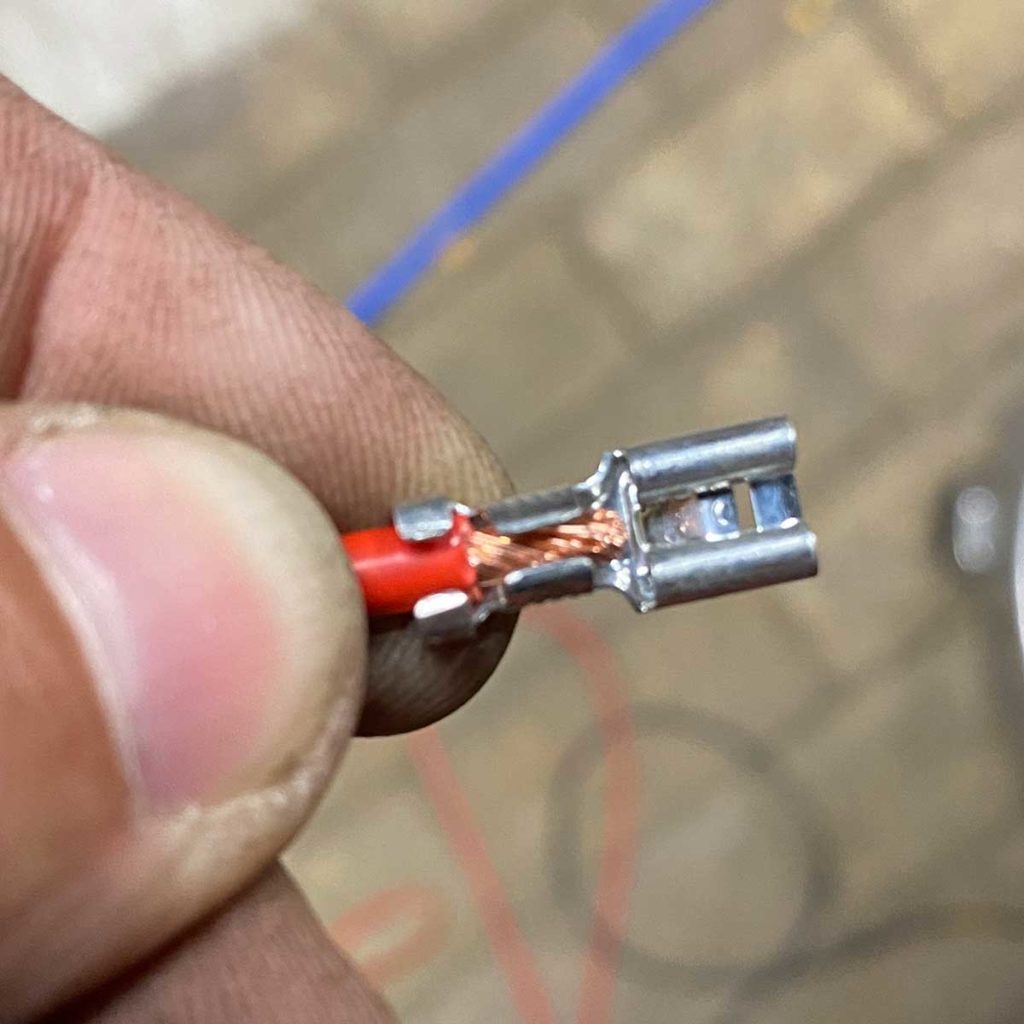
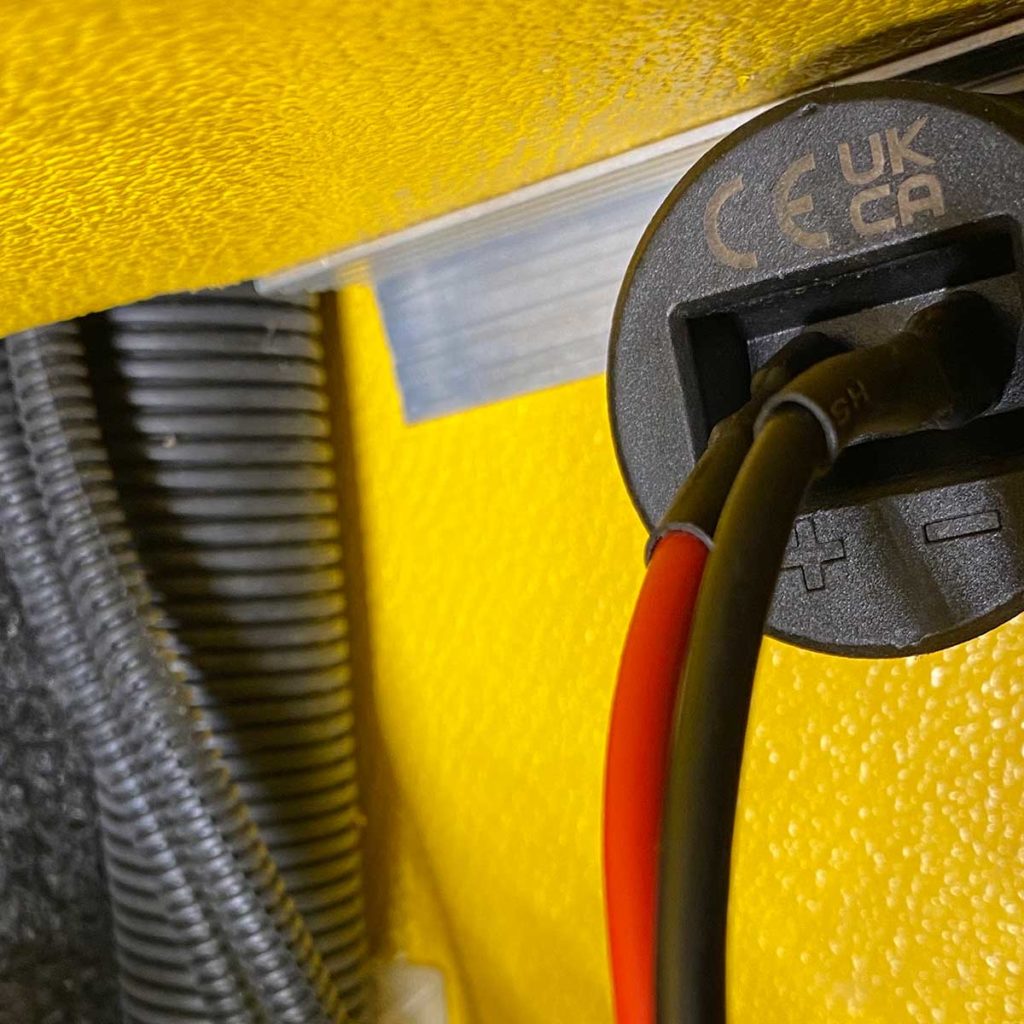
The terminals of the convertiger 100 USB socket (and all our other charging sockets and display tools) are clearly marked with + and –, so you know for sure which pole has to be connected where.
Proceed the same way at the other ends of the two cables and connect the plus cable to a fuse slot in your small distribution box and the black one to a point on the minus bar.
Finally, insert a suitable fuse .
b) How It Works with Clamping Lever Terminals
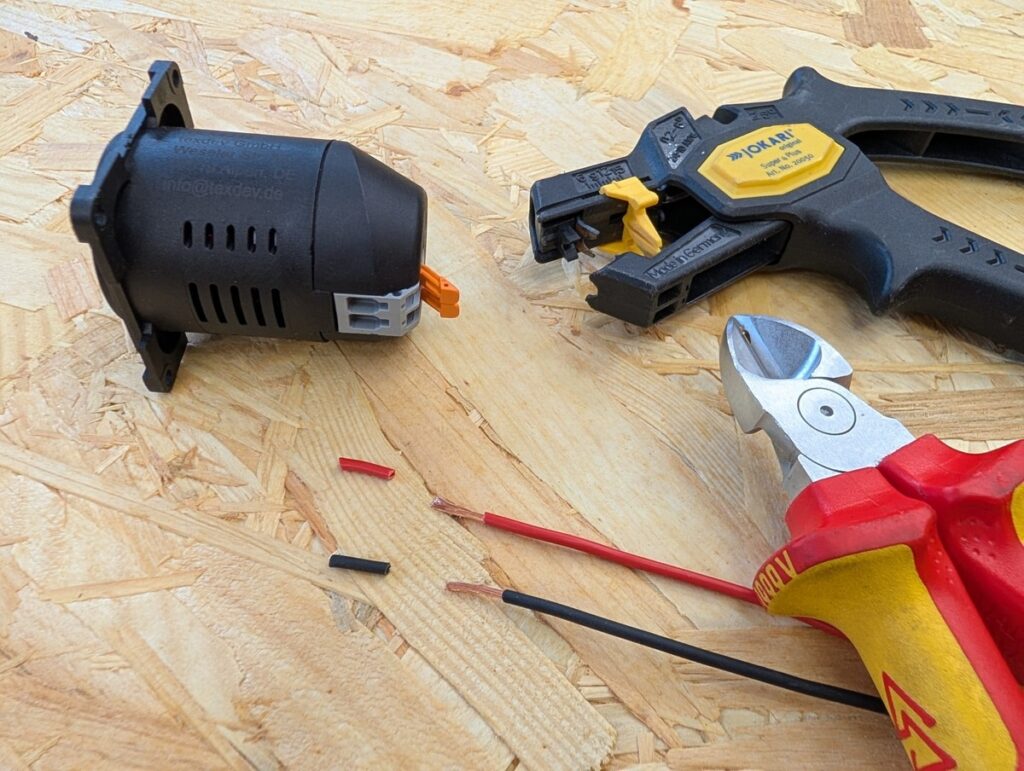
Use a wire stripper or sharp knife and expose the cable strands to 12 mm. Keeping to 12 mm ensures full contact without bare wires sticking out of the device.
Please do not use wire ferrules to make it extra good.
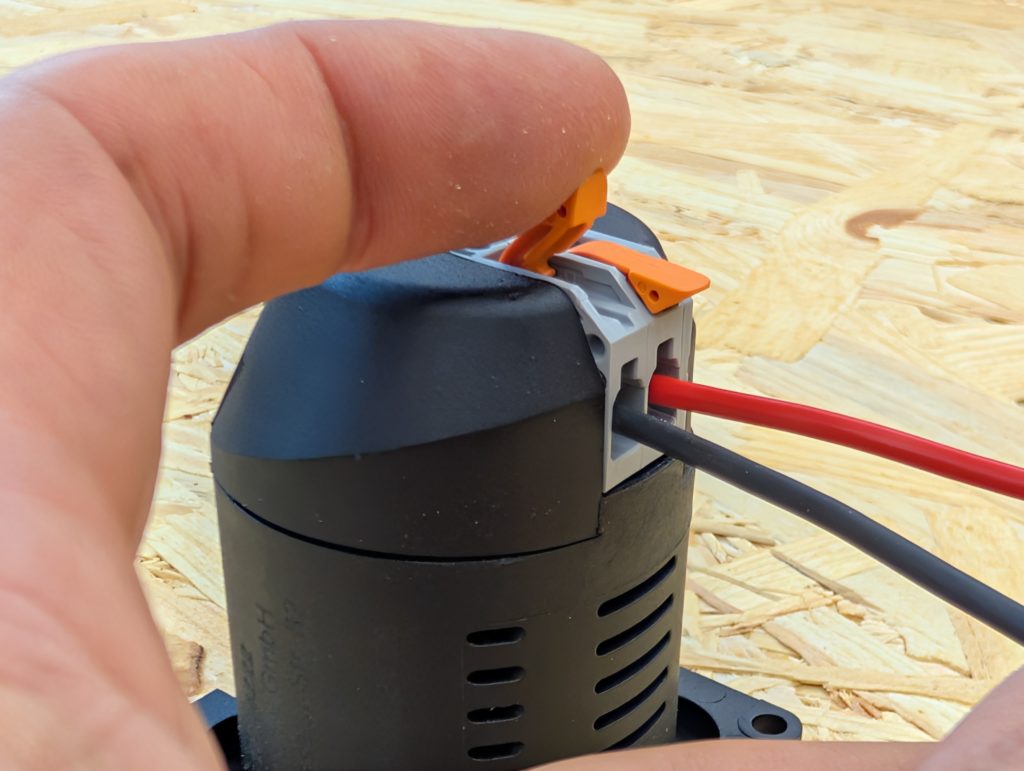
Open the lever of the clamp by raising it.
Now insert the stripped cable end completely.
If necessary, twist the strands together slightly between your fingers; no individual wires should stick out that are not inserted into the terminal.
Close the lever again by pressing it down towards the device.
The cable is seated correctly if:
- it can no longer be pulled out
- no bare strands are visible outside the clamp
Do this for both the plus and the minus cable.
Proceed the same way on the other side at your small distribution box if it is also equipped with clamping lever terminals. If it has plug-in terminals, read under a) above how to attach cable lugs for them correctly.
Function Test
Connect a USB-C device to the socket and check that the connection works properly.
If your device uses a fast-charging protocol, the Buck-Boost technology of the convertiger 100 supports it even in a 12V system. For that, however, a suitable cable is needed in addition to the device and the charging socket. You can tell the current charging speed from the voltage display of the convertiger.
If the voltage shown is lower than you expected, check not only the wiring you have just made, but also whether the device is actually requesting it, or can request it, at all.
These factors can be responsible when charging at reduced power:
- no corresponding power request from the connected device
- charge level of the device
- USB-C cable quality (E-marker required at 5A)
- input voltage too low
- ambient temperature too high
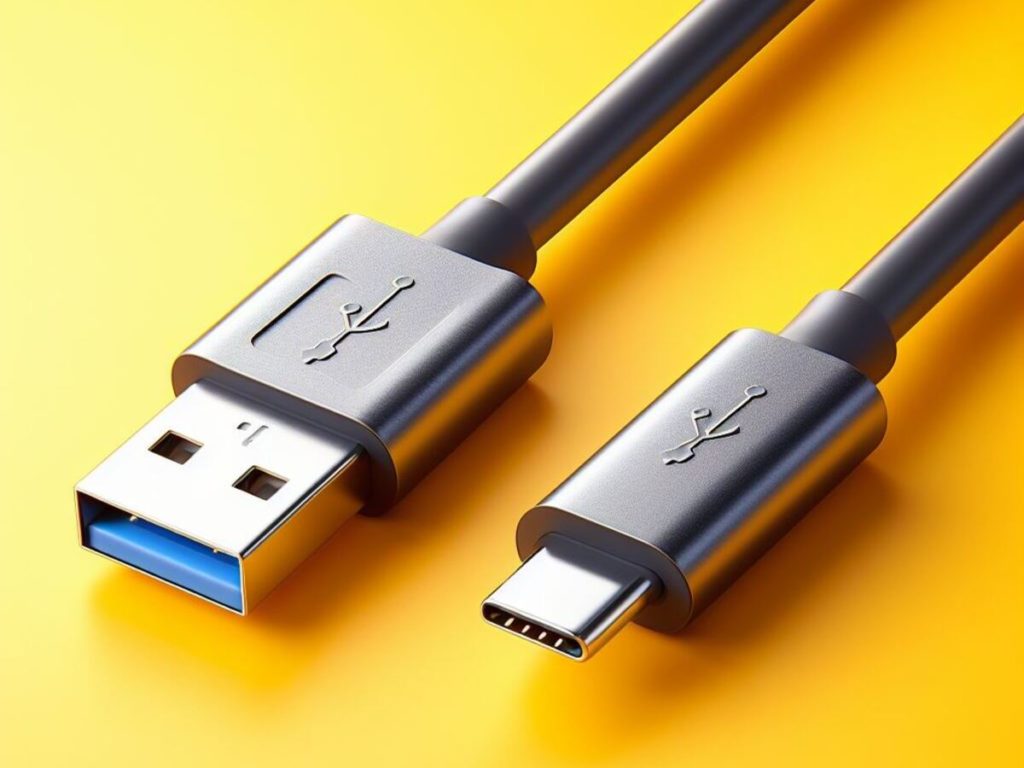
Want to know more about charging at maximum power via USB? Here we have all the important info for you:
Finishing Touches
Clip the central plate (with the round cutout) over the convertiger USB socket and secure everything with the cover frame.
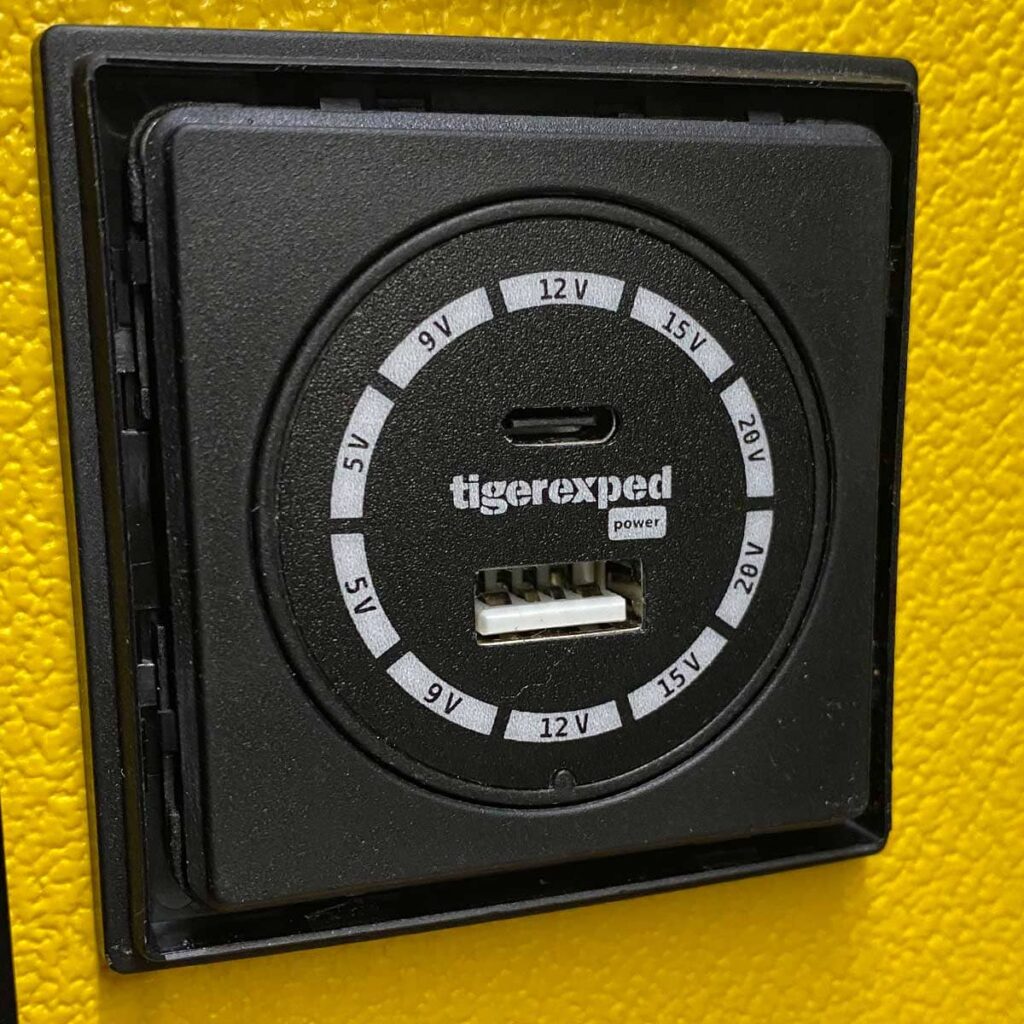
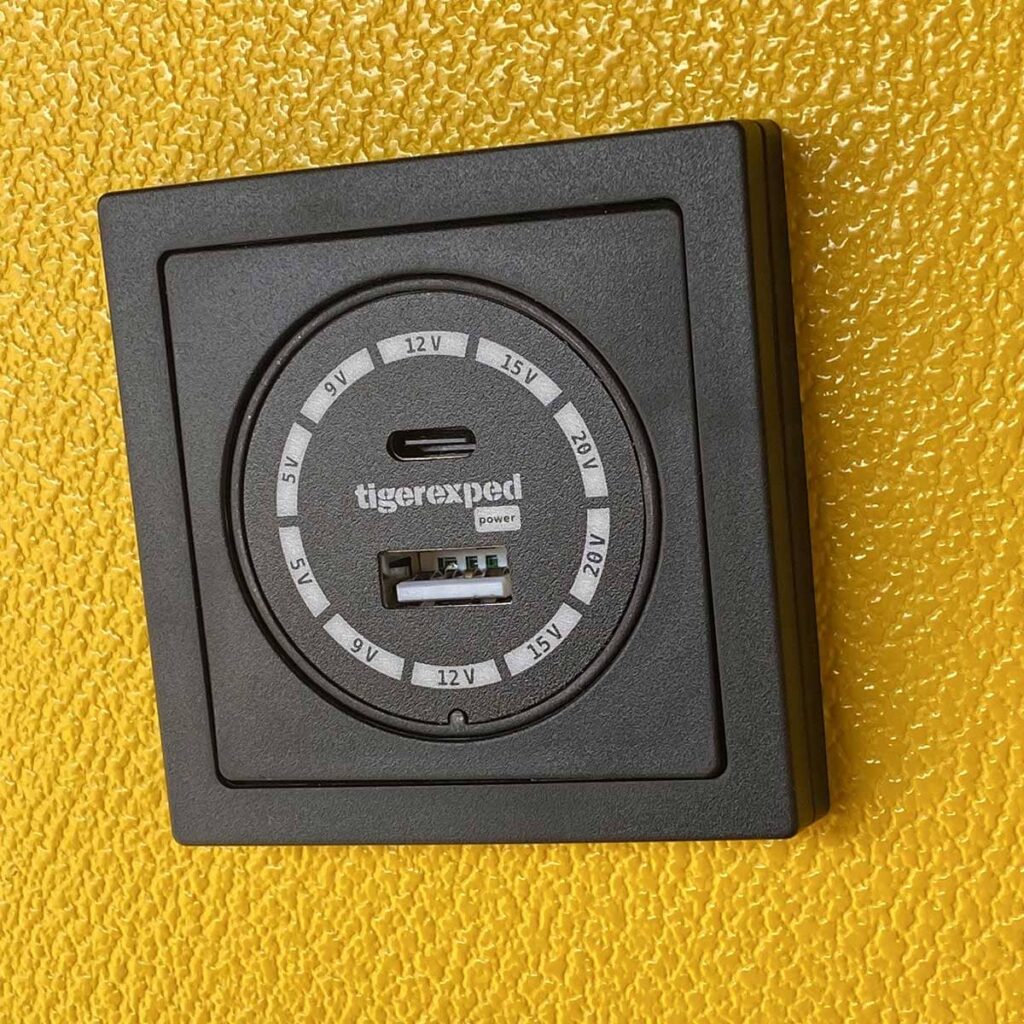
Right: With central plate and cover frame in one of six different color designs
One more little tip:
If you ever want to remove the cover frame later for any reason, please do not pry with a screwdriver or another narrow bearing surface between the cover frame and the spacer frame. Instead, use e.g. the blunt side of a kitchen knife (or a ruler or similar) and use the long bearing surface to slide into the small gap between the two parts. That way nothing breaks when lifting it off.
Congratulations,
you have successfully installed a particularly powerful 12V USB socket with Buck-Boost technology for charging your devices in your motorhome!
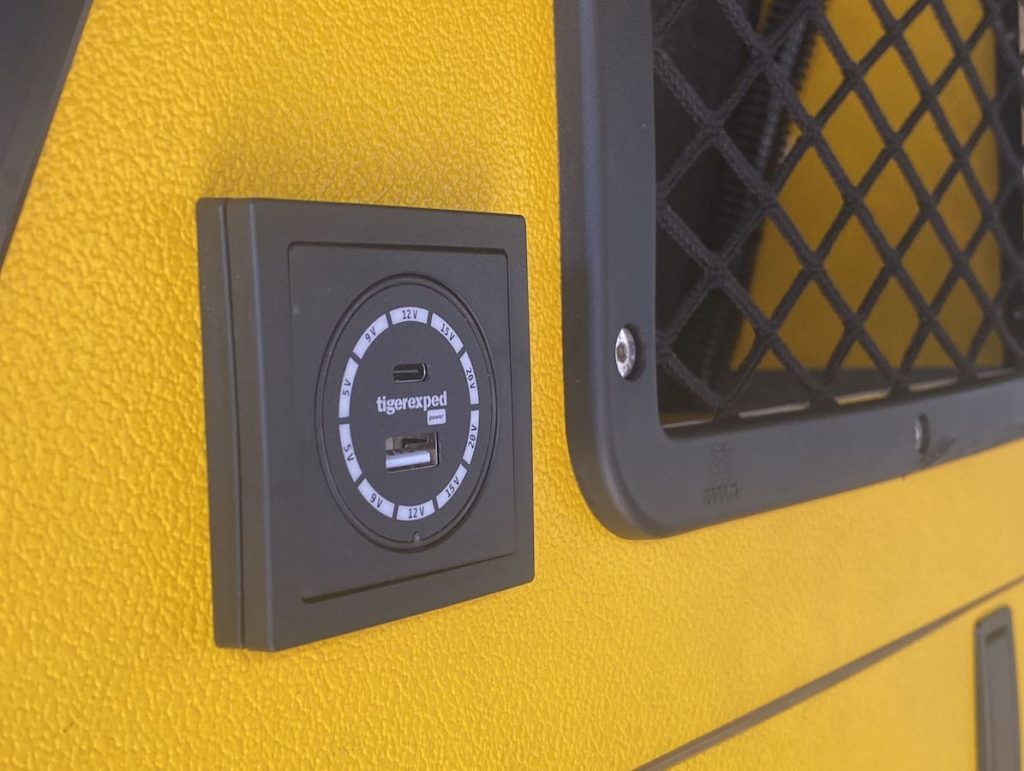
Did this magazine article help you? Feel free to share it with friends and like-minded people, and keep browsing even more helpful articles we have created for you here.